What changed in 2.2.0
As of 2026-07-27. This page is a snapshot taken at release. For anything that changes later, follow the links to the living guide.
- Editing files beside a terminal
- Editing is now safe against the agent
- The mouse no longer zooms the page
- Copy and paste from the keyboard
- Notification sounds per kind
- Ordering the grid yourself
- Smaller things
Editing files beside a terminal
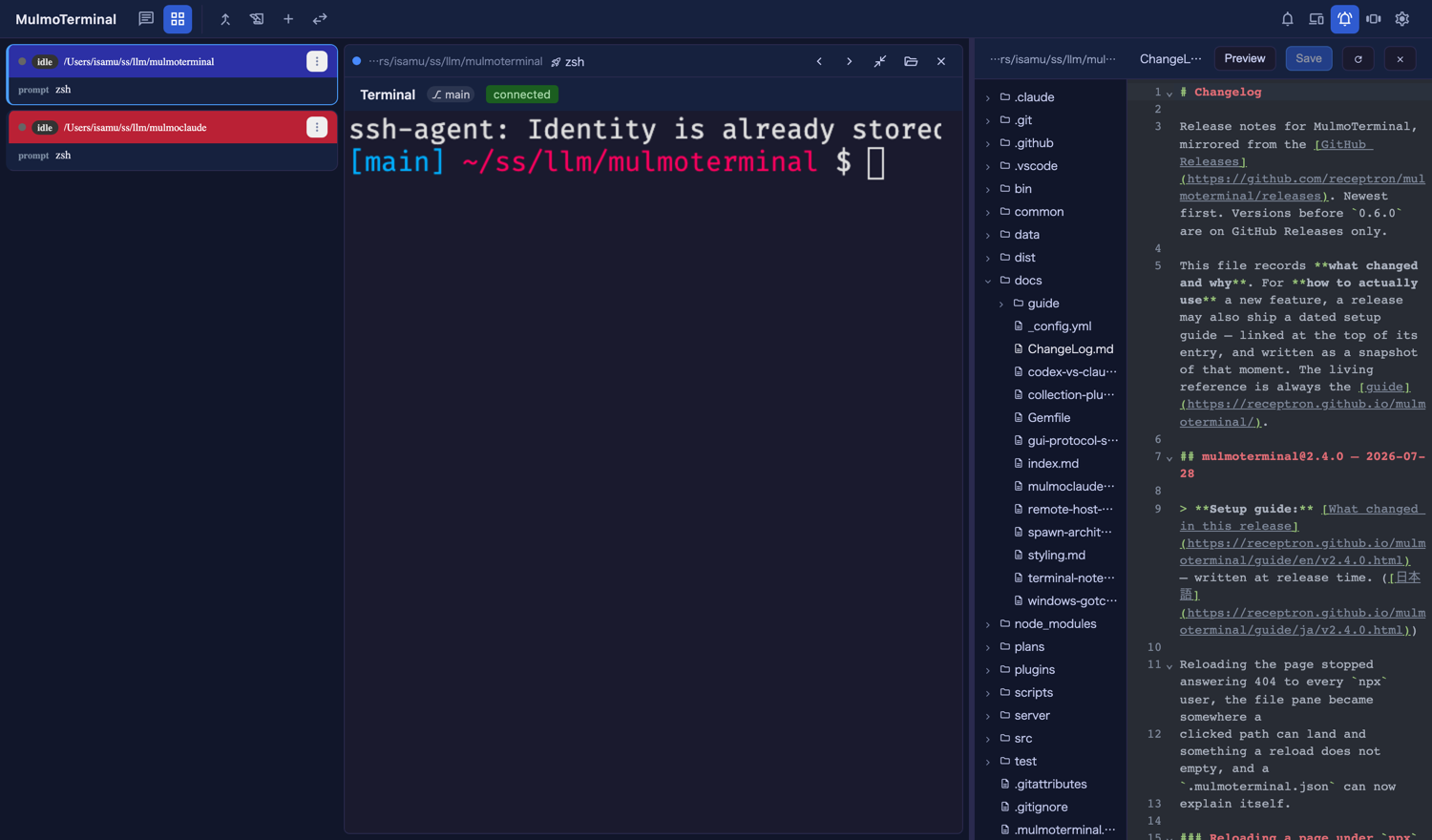
The in-app file explorer used to be full-screen: to read a file you covered the terminal you were reading it for. Now it can sit next to one.
Try it in four steps.
- In the grid, enlarge a cell with ⤢.
- Its header gains a folder icon. Click it — the enlarged area splits, terminal on the left, explorer + editor on the right, rooted at that cell’s directory.
- Drag the divider to resize. Or click it and use ←/→, Home, End.
- Walk the enlargement to another terminal (your zoom keys, or a filmstrip thumbnail). The pane follows, and remembers what you had open in the cell you left.
Whether it is open and how wide it is are remembered per browser. It works in both zoomed layouts — the cockpit roster and the thumbnail filmstrip. In roster mode you get three columns, which is tight on a laptop; the toolbar’s view toggle switches to the filmstrip if you’d rather have the width.
The full-screen view has not gone anywhere: a Files header button, or clicking a file path an agent printed, still opens it.
If there is no folder icon
The Files header button and the pane’s toggle are separate things, but both need the cell’s header. If you have set buttons in ~/.mulmoterminal/config.json, that replaces the default set — a config written before this release simply has no Files button in it. Add:
{ "id": "files", "icon": "folder_open", "label": "Browse files in the app", "run": "open", "open": { "files": "${dir}" } }
Restart the server afterwards: buttons is read into memory at startup and refreshed only when the Settings modal saves. See the config guide for the full button syntax.
Editing is now safe against the agent
This is the part with no UI to turn on. The editor works in a directory where an agent is writing the same files, so three things changed underneath it.
A save can no longer overwrite what the agent wrote. Opening a file records a version; saving sends it back. If the file changed meanwhile the save is refused and a banner offers to reload the disk’s copy or to overwrite deliberately. Before this, “open a file, let Claude rewrite it, press ⌘S” silently threw away what Claude wrote.
Leaving an open file saves it. Switching files, moving the enlargement, closing the pane, navigating away, closing the tab. No dialog interrupts you, because —
Three generations of every file the editor touches are kept under ~/.mulmoterminal/backups/, taken when a file is opened and before one is replaced. Outside your project, so no .bak ever reaches git status or the agent’s view of its own repo.
~/.mulmoterminal/backups/<hash>/
  source.txt                     # which file this is
  <timestamp>-<n>-<name>.bak     # newest three
Worth knowing: three generations reach back three saves, not three days. Re-opening and editing the same file a few times rotates the oldest out. For a file under version control, git is still the better undo.
And you hear about a change before you save. A file that moves on disk while you have it open is picked up immediately when Claude writes it, and within 30 seconds otherwise (which is what covers Codex, git, builds and other editors). If you are not editing, the pane just takes the new content — it reads as a live view of what the agent is doing. If you are, the banner appears instead of choosing for you.
The mouse no longer zooms the page
Ctrl+wheel and a trackpad pinch used to rescale the whole page, dragging the layout and the terminal’s fit along with it. Both are ignored now. Keyboard zoom (Cmd/Ctrl + / -) still works when you mean it, and a phone’s finger pinch is untouched.
To make terminal text bigger, use the font size in Settings, or fontSize in a directory’s .mulmoterminal.json — that re-fits the PTY, which browser zoom never did.
Copy and paste from the keyboard
Two new keymap actions, copy and paste. Nothing is bound by default — any key you bind is taken away from the terminal underneath. In ~/.mulmoterminal/config.json:
{
  "keymap": {
    "copy": "Ctrl+Shift+C",
    "paste": "Ctrl+Shift+V"
  }
}
Notification sounds per kind
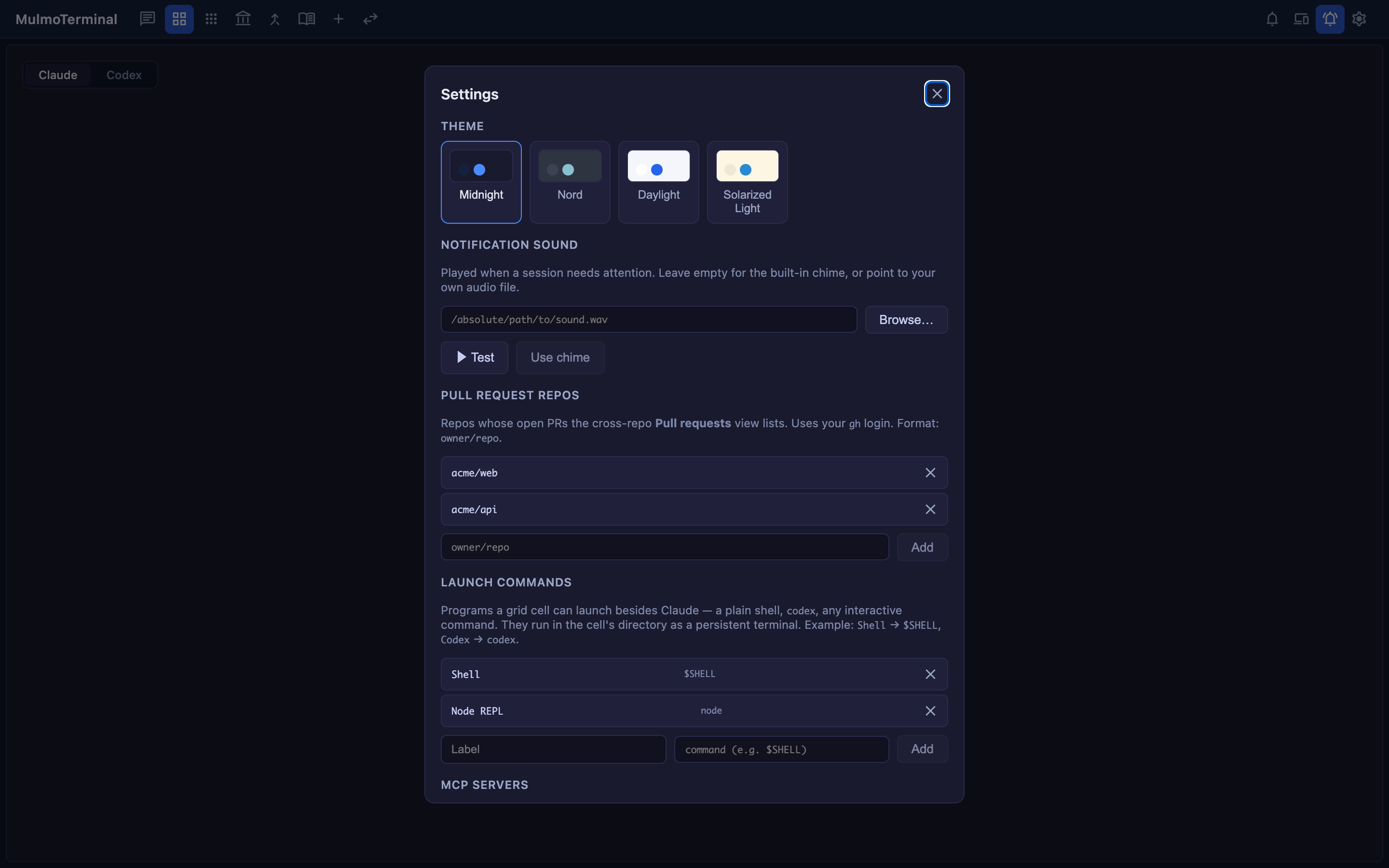
The bell can now sound differently for finished and waiting, and each can be turned off on its own. Presets ship with the app, so you no longer need a file of your own. See notifications.
A fix comes with it: a subagent finishing no longer raises the “it wants you” notification while the main agent is still working. That was the source of notification storms on long runs.
Ordering the grid yourself
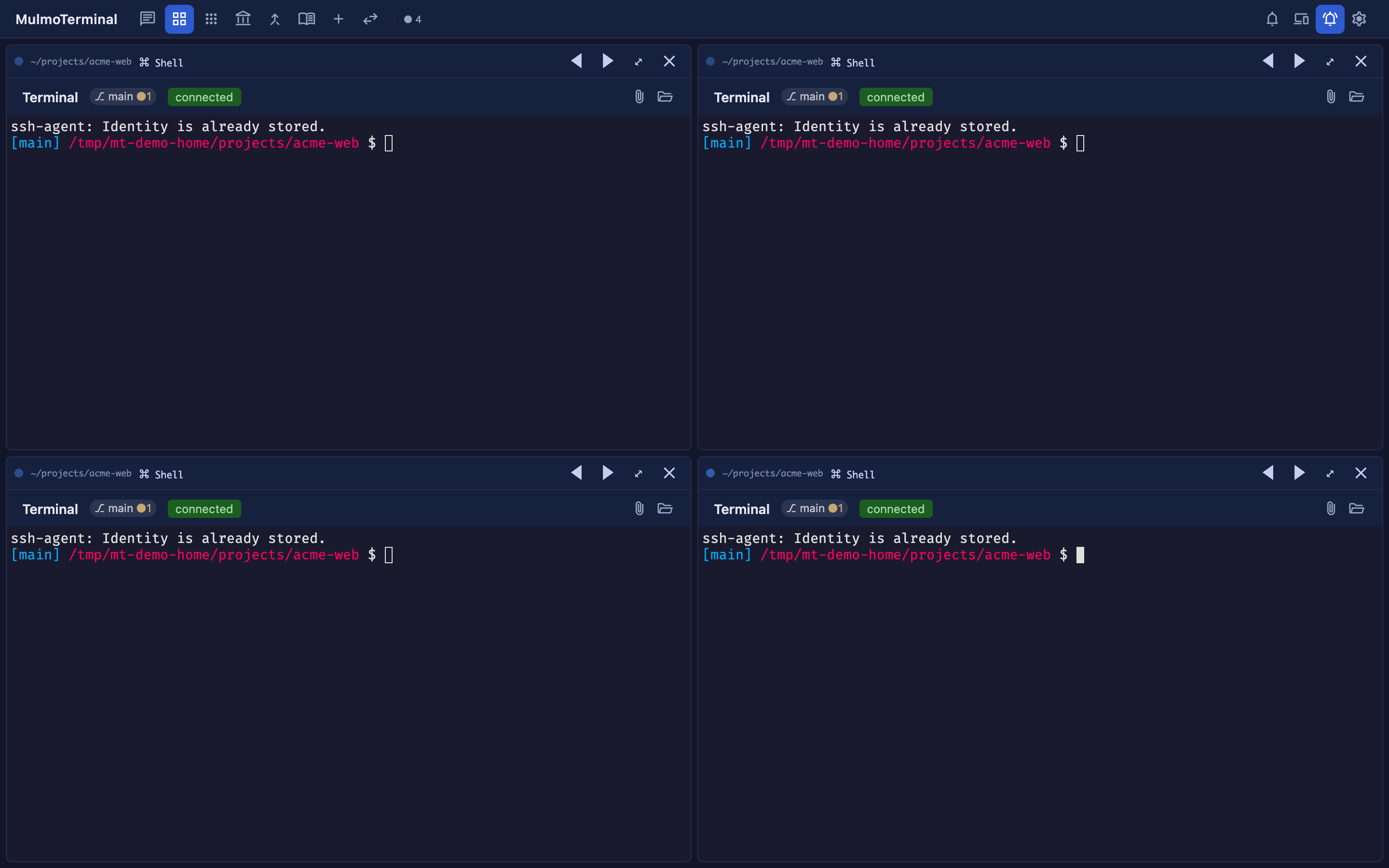
orderPriority in a directory’s .mulmoterminal.json decides where its cells sit in the grid — lower first. Directories without one keep the existing behaviour.
{ "orderPriority": 10 }
Smaller things
- Shell and Command cells now show the directory name badge and follow that directory’s theme and font, like terminal cells always did.
addDirsin.mulmoterminal.jsonpasses extra--add-dirarguments to the agent.- The terminal font is configurable (
fontFamily), and the default stack now carries CJK faces — Japanese in the terminal no longer misaligns box-drawing frames. - Collections push to Google Calendar.
- A git chip squeezed into a narrow cell no longer collapses into what looked like an empty badge, and a failed request now shows the reason the server gave rather than a generic error.
The living reference is the guide; this page is only what changed on 2026-07-27. For what changed and why, see the changelog.