MulmoTerminal Guide
AI と一緒にコーディング(vibe coding)してて、こんなこと、ありませんか?
- 📊 どれが何をしているのか、状態が分からなくなる
- 📁 どのディレクトリで動いているのか見失う
- 💭 dir は分かっても、そもそも何を頼んだんだっけ?(元の指示を忘れる)
- 🔔 エージェントが終わったのに気づかず、待たせる/待ちぼうける
- 💥 ターミナルを閉じた・落ちた瞬間にセッションが消える
- 🌿 git の状態を見たい・フォルダを開きたいのに、いちいちコマンドを打つ
- ⚡ 結局、ターミナルを軸にサクサク作業したいだけなのに——
MulmoTerminal は、この一つひとつに答えます。 複数の AI コーディングエージェント (Claude Code / Codex)を並行して回し、状態と所在を常に見える化し、 完了を通知し、セッションを落とさず、git や dir をワンクリックで開ける——ターミナルを基軸にした現代の開発環境です。
Opening too many terminals and losing the thread? — which one is doing what, which directory, what did I even ask it, is it done yet, my session vanished when the tab closed, typing git status / cd over and over. MulmoTerminal answers each of these: run many AI agents in parallel, always see their status and location, get notified on completion, never lose a session, and open git/dirs in one click — a terminal-first modern development environment.
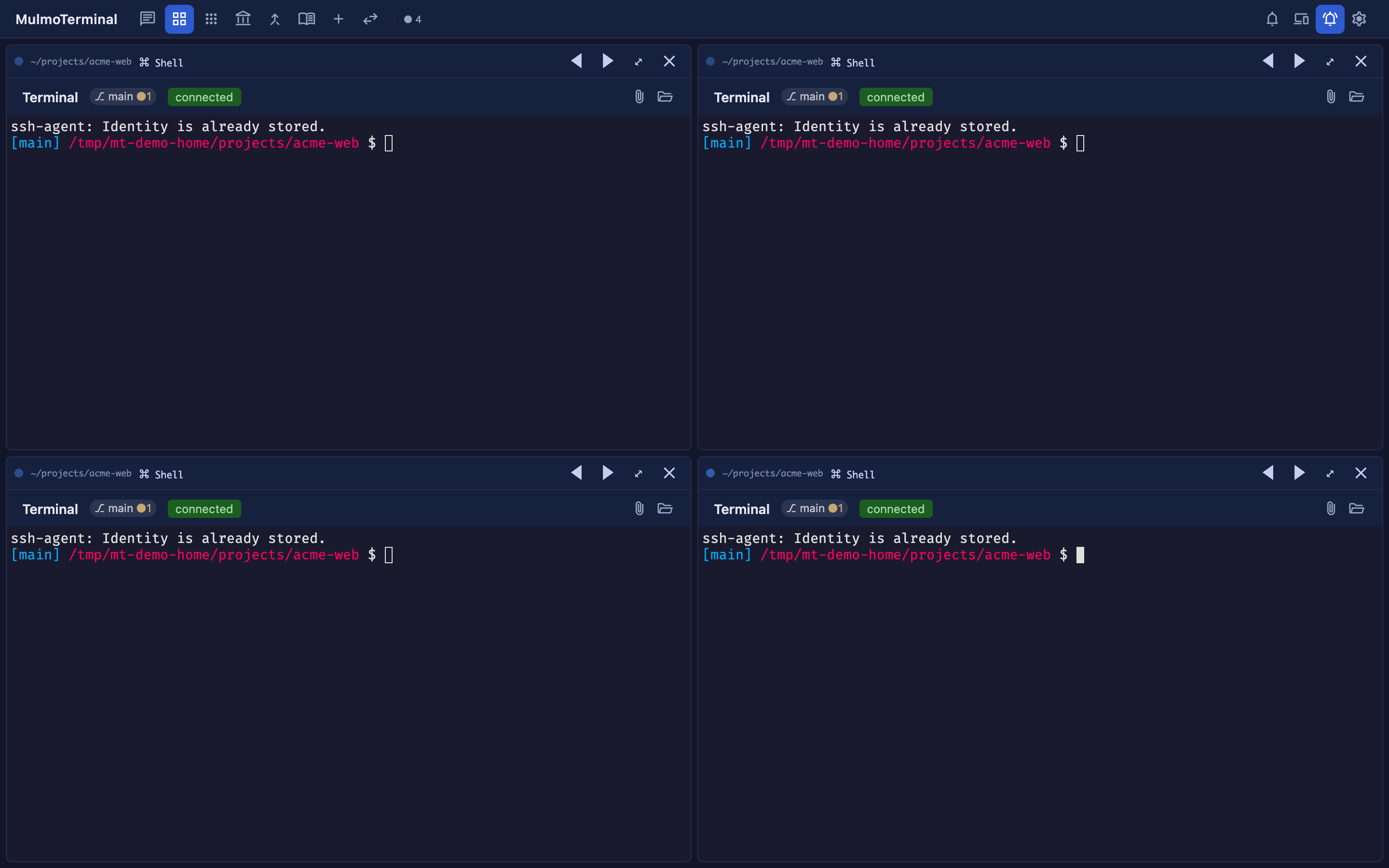
インストールと起動は 1 ページにまとまっています / Install and launch, on one page — ターミナルの開き方から Node.js・Claude Code・git / gh の入れ方(mac / Windows)まで。 Opening a terminal through installing Node.js, Claude Code and git / gh on macOS and Windows.
はじめに — 起動するまで Getting started (English)
最新情報は X で発信しています / Follow us on X
新バージョンや新機能のお知らせは、X の Singularity Society(@SingularitySoci) で流していきます。 ぜひフォローしてください! 英語では @mulmocast が発信しています。
New releases and features are announced on X — in English on @mulmocast, in Japanese on @SingularitySoci. Follow to hear about them first.
✨ おすすめ機能 / Highlights
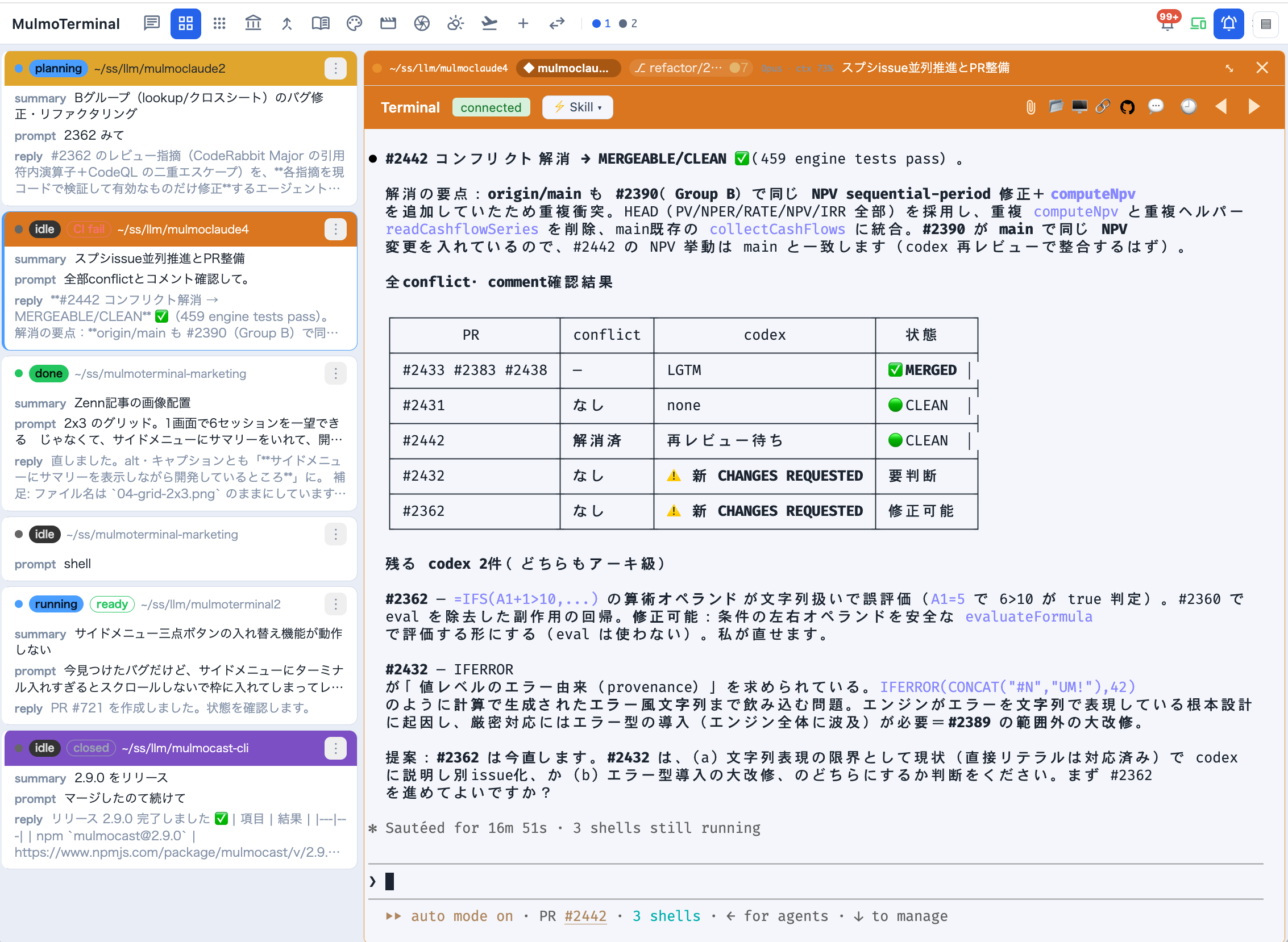
📋 コックピット・ロスター / The cockpit roster — 1 体に拡大したまま、横の一覧で全セッションの AI 要約・直近の指示・最新の返答・PR フェーズ(CI fail / ready / merged …)を 1 行ずつ追えます。 Stay zoomed into one agent while a text list tracks every session’s AI summary, last prompt, latest reply, and PR phase — the main screen for running many agents. → 基本編 / Basics
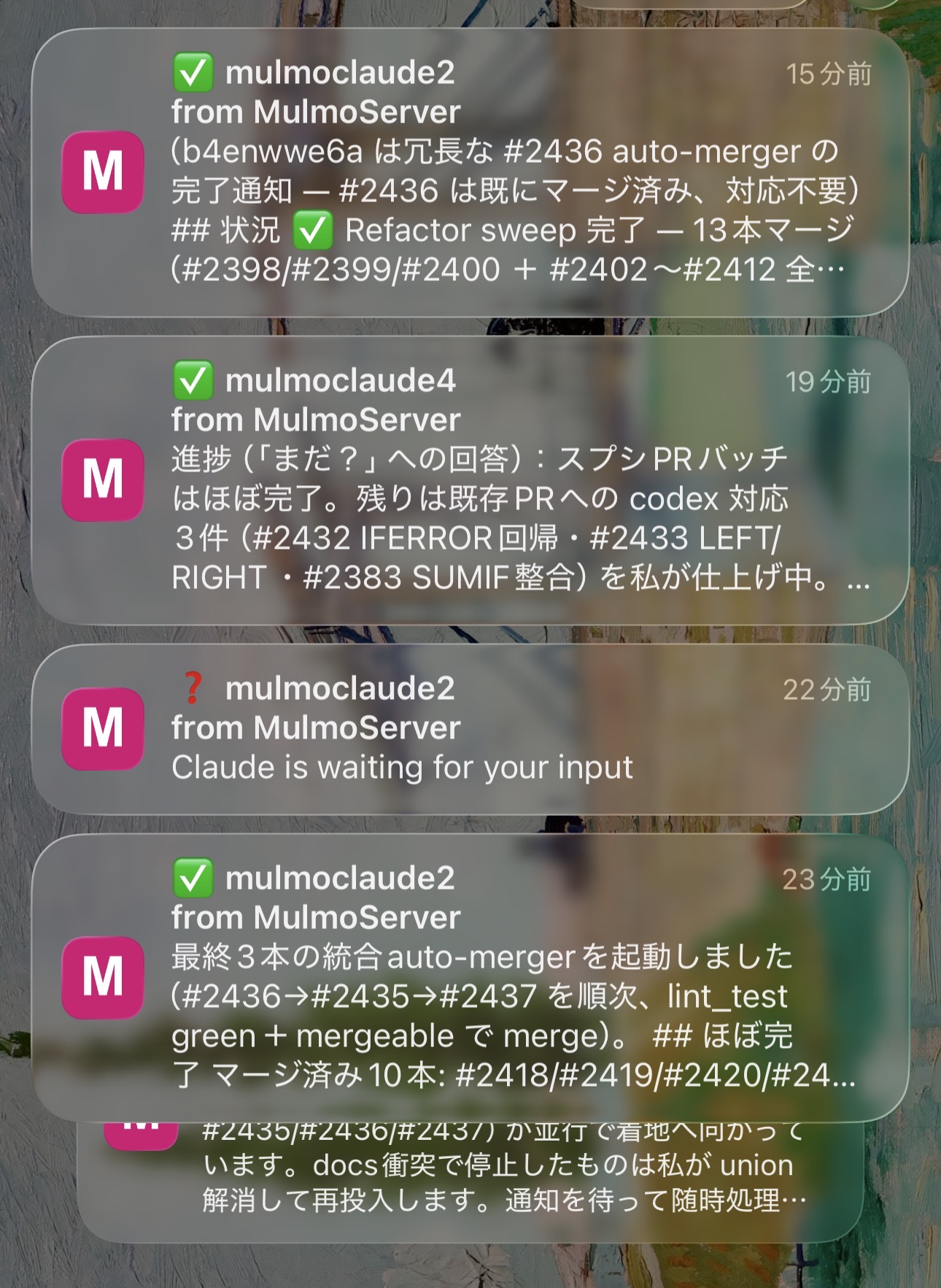
📱 スマホ通知 & リモコン / Phone push & remote control — タスクの完了・入力待ちをスマホへ Web Push。そのままライブ画面を見て yes / no / continue をワンタップで返せます。 Finished / input-waiting turns push to your phone — glance at the live screen and answer with a tap. → 設定手順 / Setup
🌿 worktree 隔離 & ワンクリック PR / Worktrees & one-click PRs — 同じリポに複数エージェントを 衝突なしで走らせ、diff・コミット・Push・⧉ Open PR までセルの中から。 Several agents on one repo without collisions — diff, commit, push, and ⧉ Open PR from the cell.
こんなとき → MulmoTerminal / Sound familiar? → Handled
| こんなとき | MulmoTerminal では |
|---|---|
| 複数ターミナルの状態が分からない | グリッドに並べ、状態の色(作業中=青/入力待ち=琥珀/完了・レビュー待ち=緑リング)+通知音で一目 |
| どのディレクトリか分からない | 各セルに dir・プロジェクト名バッジ・色。色分けで即区別 |
| 元の指示を忘れる | セルヘッダーに直近の指示/今やっていることを常時表示、🕘 でツール履歴 |
| 完了に気づきたい | 入力待ちは琥珀色、完了は緑リング、どちらも通知音——さらにスマホへ Web Push |
| セッションを継続したい | tmux 永続化で、リロード・再接続・サーバ再起動を跨いで生き続ける |
| git / dir をサッと開きたい | git ステータスチップ、ワンクリックで OSのファイルマネージャ(Finder/Explorer等) / アプリ内ファイル / PR |
| ターミナル基軸で効率化 | 上記すべてを端末の上に載せ、DSL で自分のワークフローに拡張 |
4 本柱 / Four pillars
監督 (Supervise) 並行エージェントのコックピット · 可視化 (See) 状態と所在を一目 · 自動化 & 調査 (Automate & investigate) 実行と AI 診断 · 拡張 (Extend) DSL でどんな開発者にも。
🚀 起動 / Quick start
はじめての方は はじめに — 起動するまで へ。 ターミナルの開き方から Node.js・Claude Code・git / gh の入れ方(mac / Windows)、 つまずいたときの対処まで 1 ページにまとめてあります。
New here? → Getting started — from zero to running — terminal, Node.js, Claude Code, git / gh on macOS and Windows, and troubleshooting, on one page.
必要なもの: claude CLI(Claude Code)· git · gh が PATH にあること + Node ≥ 22.12。 あると便利: tmux(セッション永続化)· codex(Codex セッション)· ffmpeg(動画生成)· ollama(ローカルモデル)。 → 各コマンドが何に効くかは 一緒に入れておくコマンド。
npx mulmoterminal@latest                       # → http://localhost:34567 が開く
npx mulmoterminal@latest --cwd ./my-project    # 作業ディレクトリを指定(--port <n> も可)
Prerequisites: the claude CLI · git · gh on your PATH + Node ≥ 22.12. Also useful: tmux (session persistence) · codex (Codex sessions) · ffmpeg (video rendering) · ollama (local models). → what each one unlocks: The CLIs it drives.
npx mulmoterminal@latest # opens http://localhost:34567
うまく起動しないとき(npx キャッシュ破損): 最初の npx インストールが途中で中断されると、~/.npm/_npx/<hash> が壊れたまま残り、次回起動が ERR_MODULE_NOT_FOUND で落ちることがあります(公開パッケージの不具合ではありません)。 ランチャが破損キャッシュを検知して削除コマンドを表示するので、それを実行してから再度 npx mulmoterminal@latest してください。
If it won’t start (ERR_MODULE_NOT_FOUND): If a first npx install was interrupted, a half-unpacked ~/.npm/_npx/<hash> can remain and a later run fails at startup — a corrupted npx cache, not a bug in the published package. The launcher detects it and prints the exact removal command; run that, then npx mulmoterminal@latest again.
日本語
- はじめに — 起動するまで(インストールと起動はここだけで完結)
- ガイドのトップ(あるある & コンセプト)
- 基本編 — グリッドで今できること
- よくある質問(FAQ)
- 応用編 — シナリオ別の使い方
- 機能一覧
- 設定方法
- スマホ通知(Web Push)
- OpenRouter で別のモデルを使う
- claude-ollama でローカルモデル
English
- Getting started — from zero to running (install and launch, start to finish)
- Guide home (sound familiar? & the concept)
- Basics — what you can do in the grid
- FAQ
- Scenarios — workflows by example
- Feature reference
- Configuration
- Mobile notifications (Web Push)
- Using another model via OpenRouter
- Local models with claude-ollama
Repo: github.com/receptron/mulmoterminal · npm:
mulmoterminal—npx mulmoterminal@latest
X: @mulmocast (English) · @SingularitySoci (日本語) — 更新情報はこちらで / follow for updates